
90-Day UI Design Challenge
A daily design practice to sharpen my skills, explore UI trends, and grow as a designer.
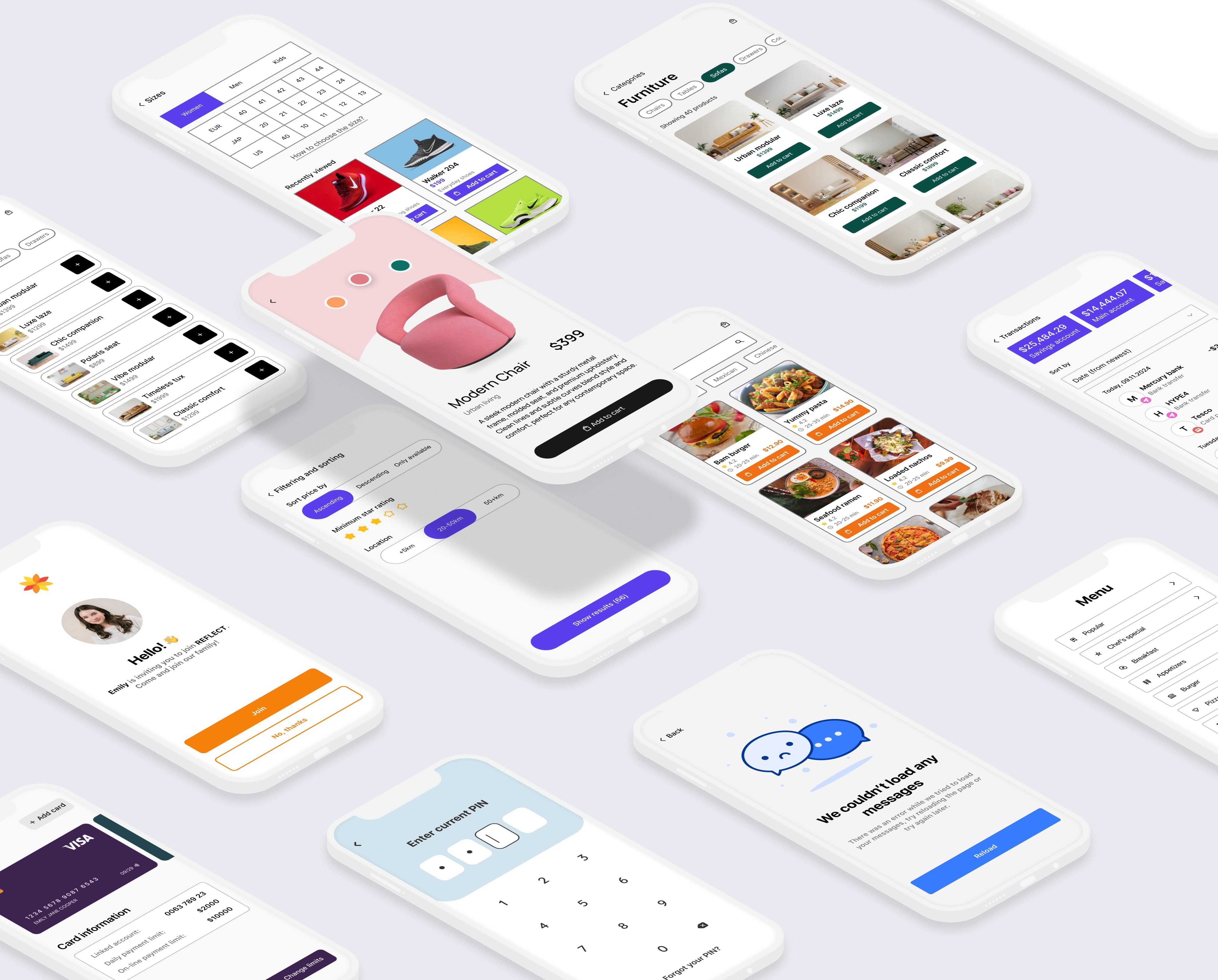
Why I Did This Challenge?
As a designer, I’ve always believed in the power of consistent practice to unlock creativity. This challenge was my way of staying disciplined, experimenting with diverse styles, and honing my technical skills. By committing to designing one UI interface every day for 90 days, I aimed to push the boundaries of my imagination while improving my speed and efficiency.
Goals
Master rapid prototyping and design tools like Figma and Adobe XD.
Explore various UI styles and trends (minimalist, dark mode, vibrant, illustrative).
Tackle diverse design challenges across industries, from fintech dashboards to e-commerce apps.
Build a habit of iterative design and self-reflection.
Outcome
This challenge elevated my design skills, helped me discover new techniques, and allowed me to create an extensive library of UI designs that demonstrate creativity, versatility, and adaptability.
Best of 90 Days: My Favorite Designs
Here are some of the standout designs from the challenge that showcase my range and creativity:
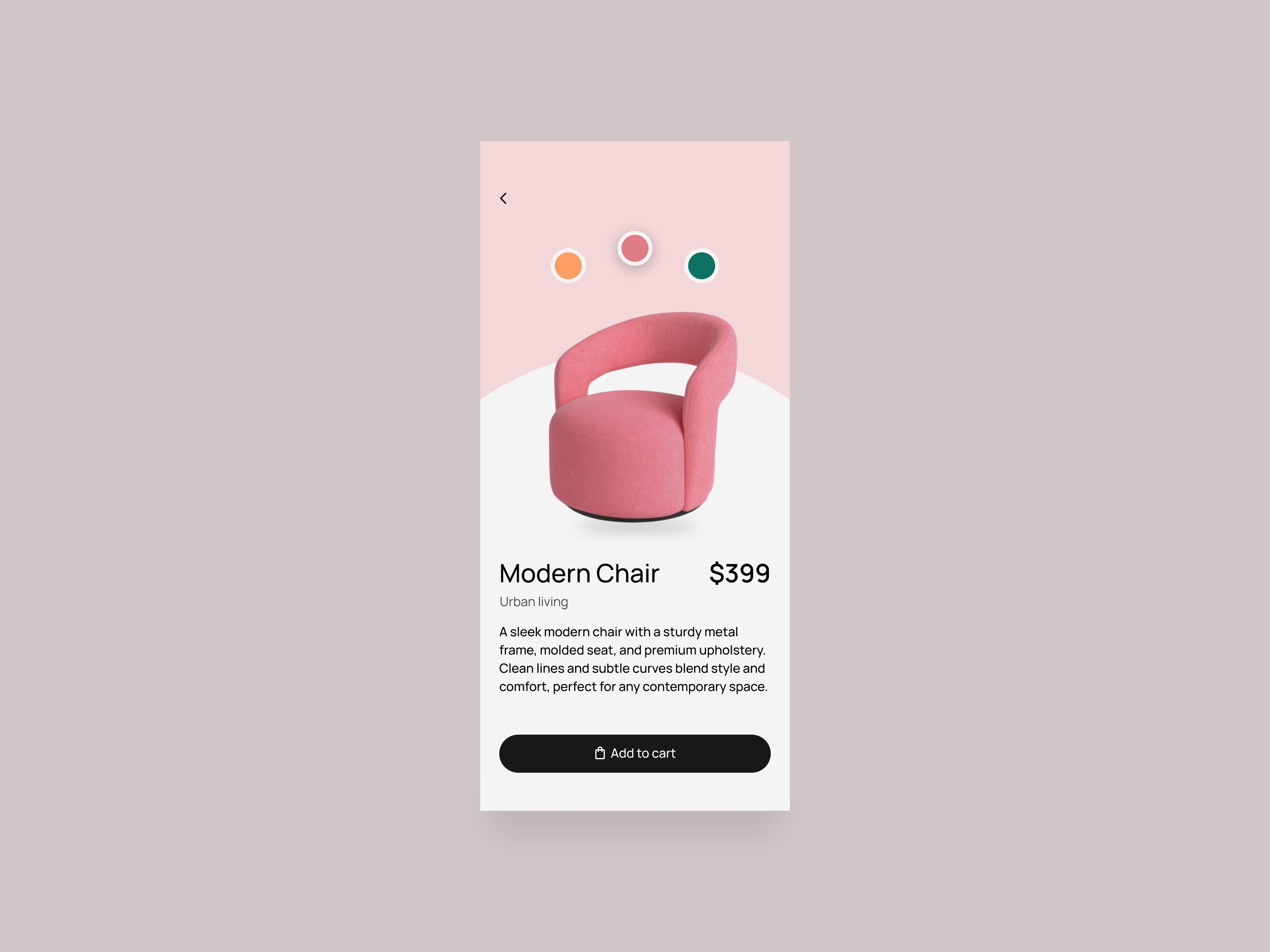
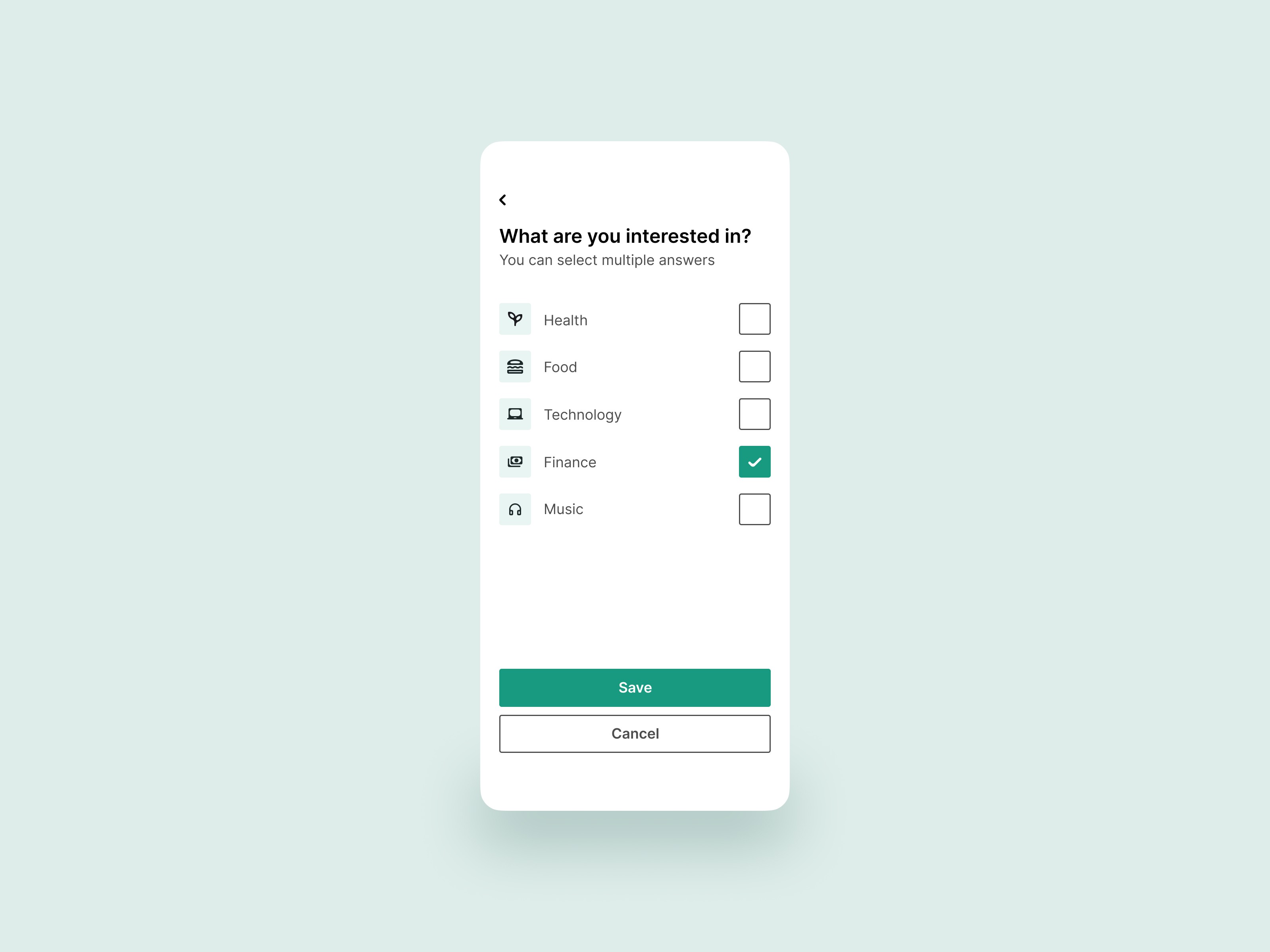
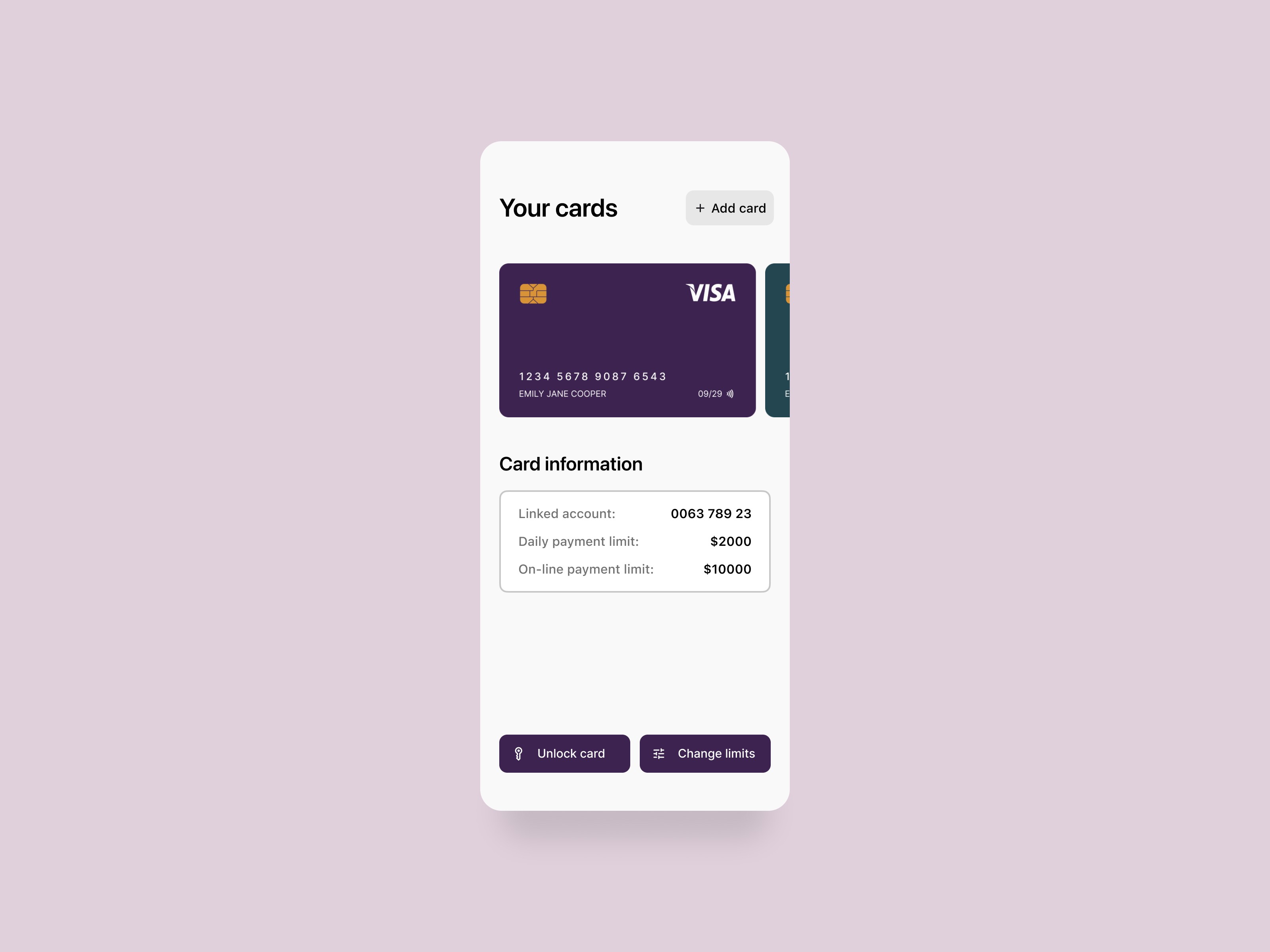
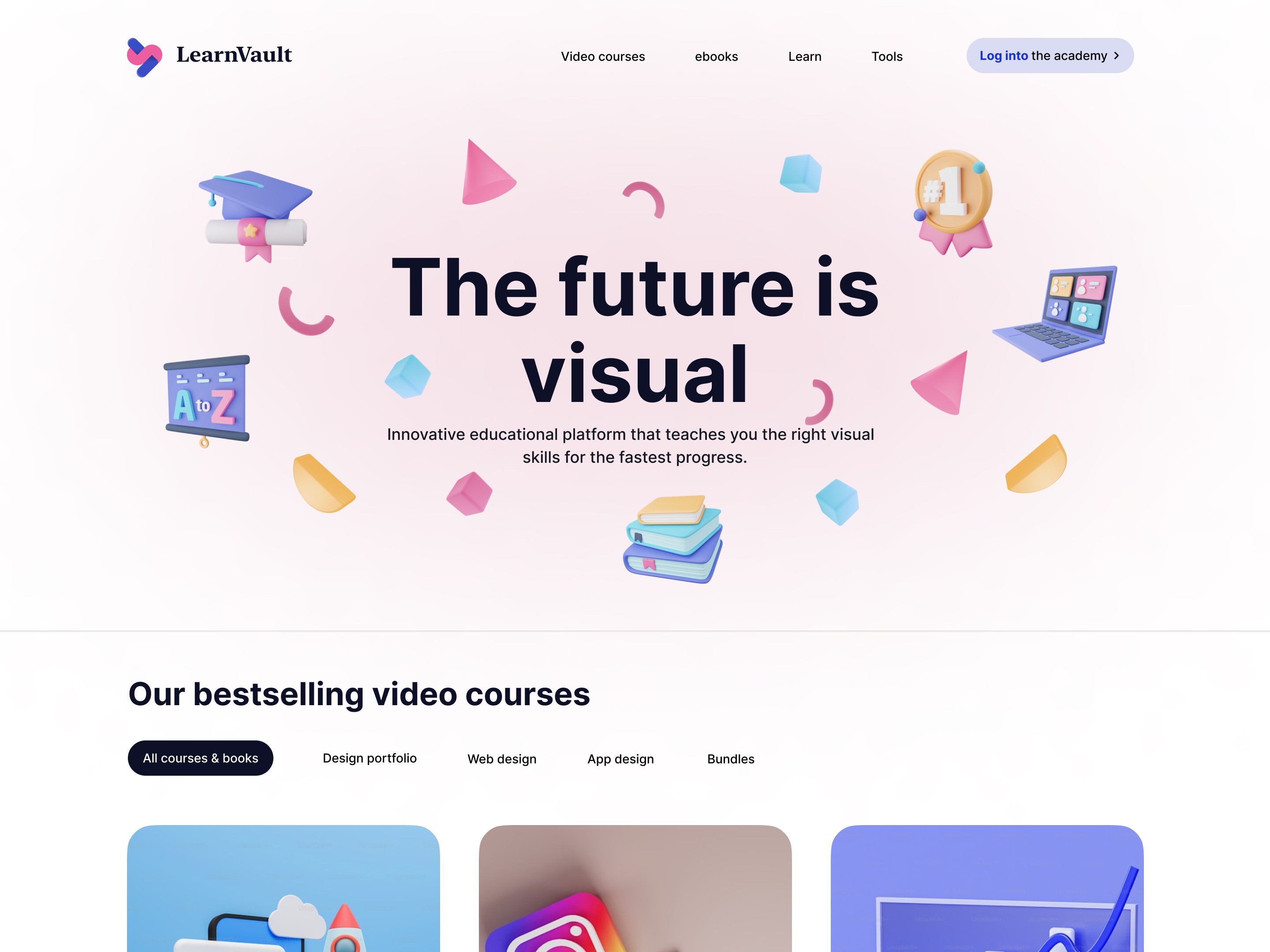
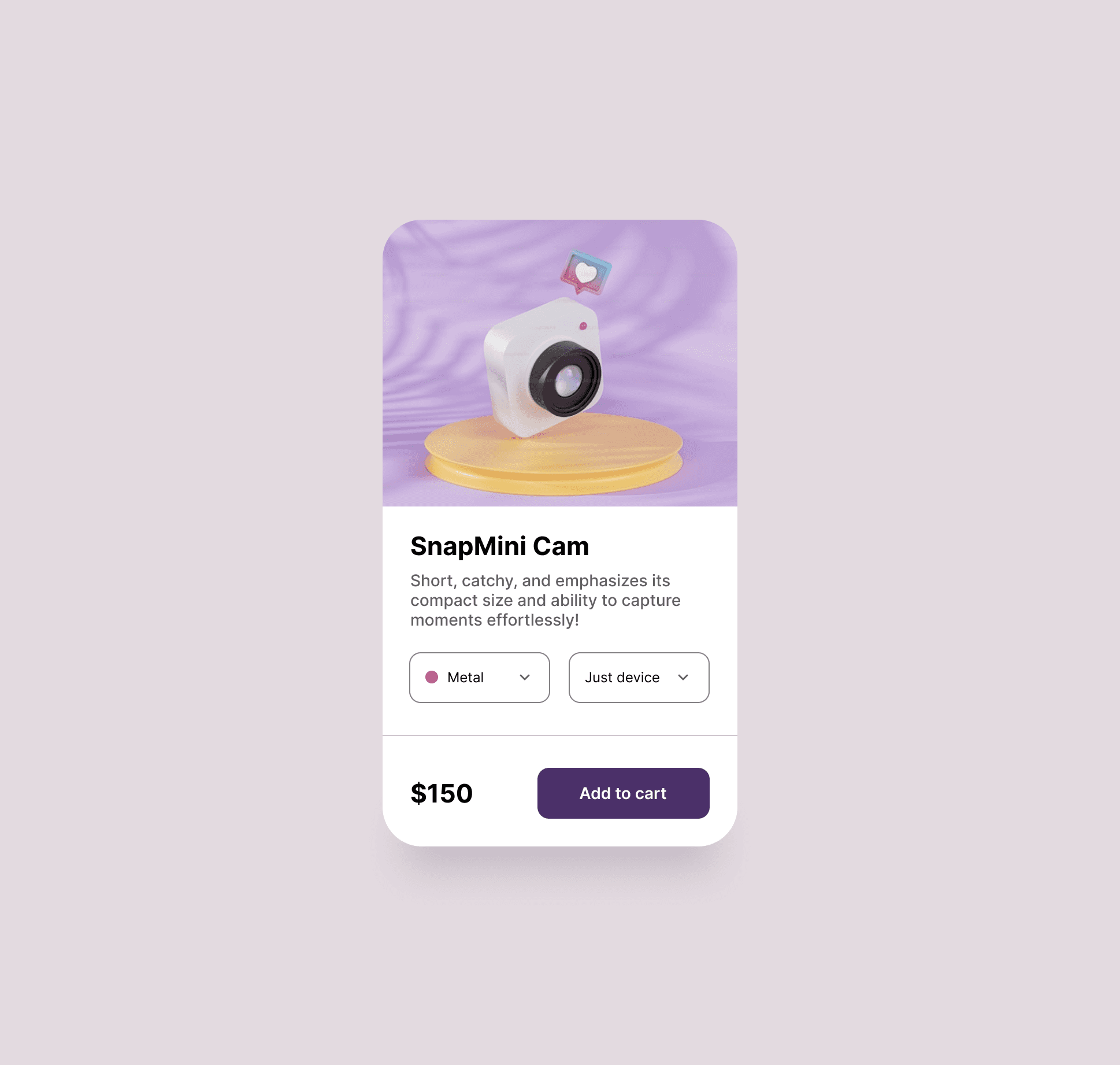
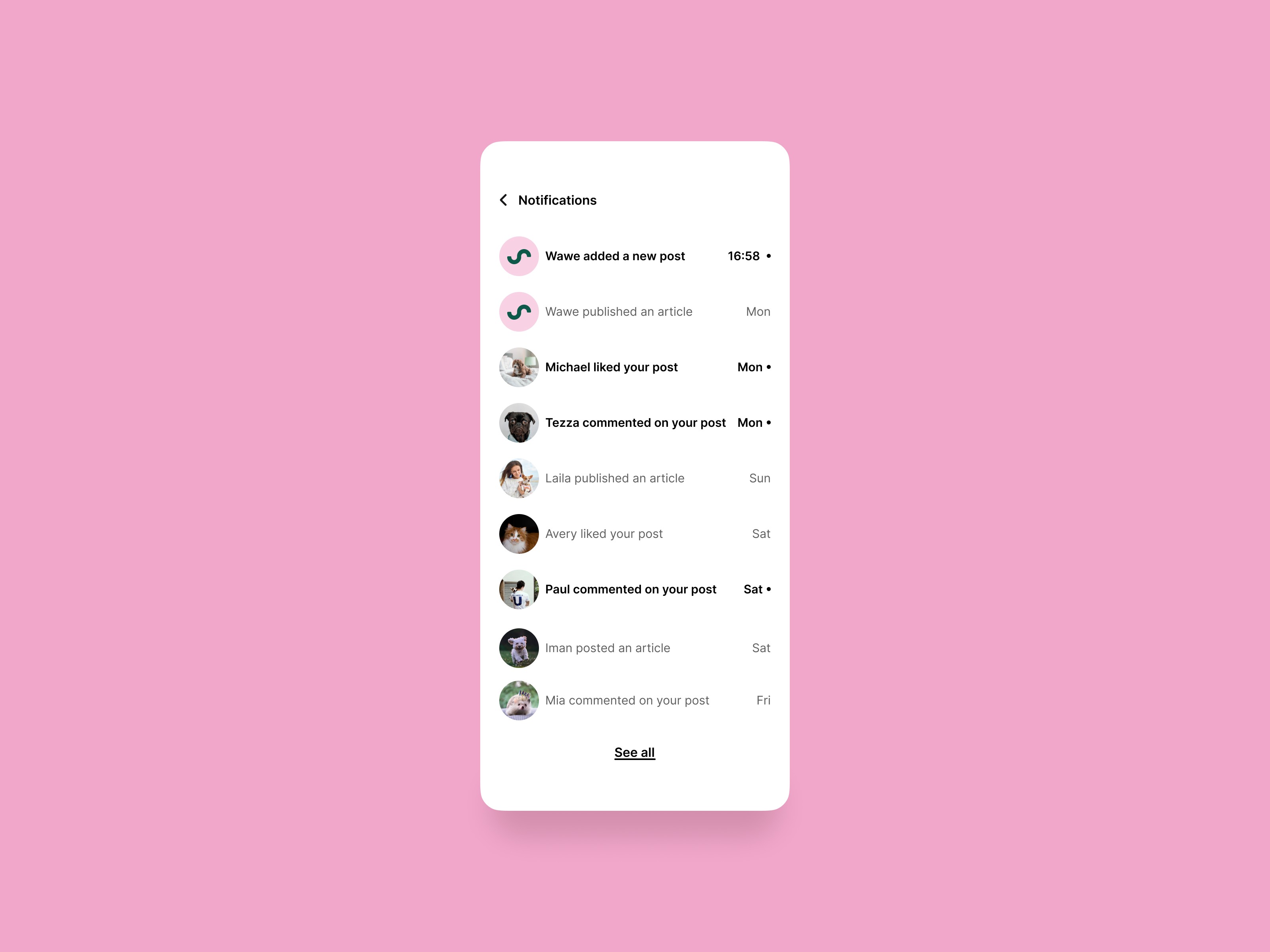
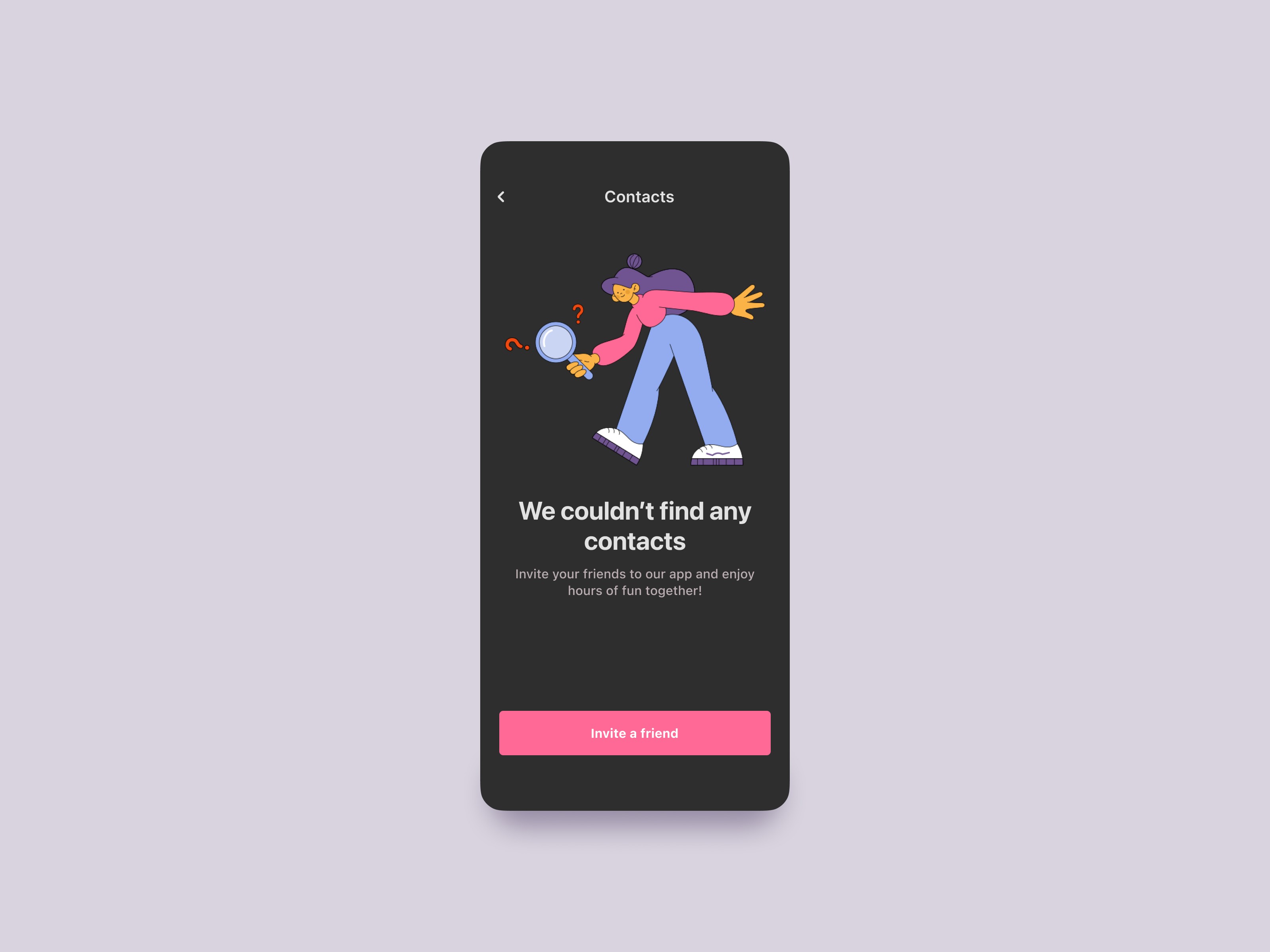
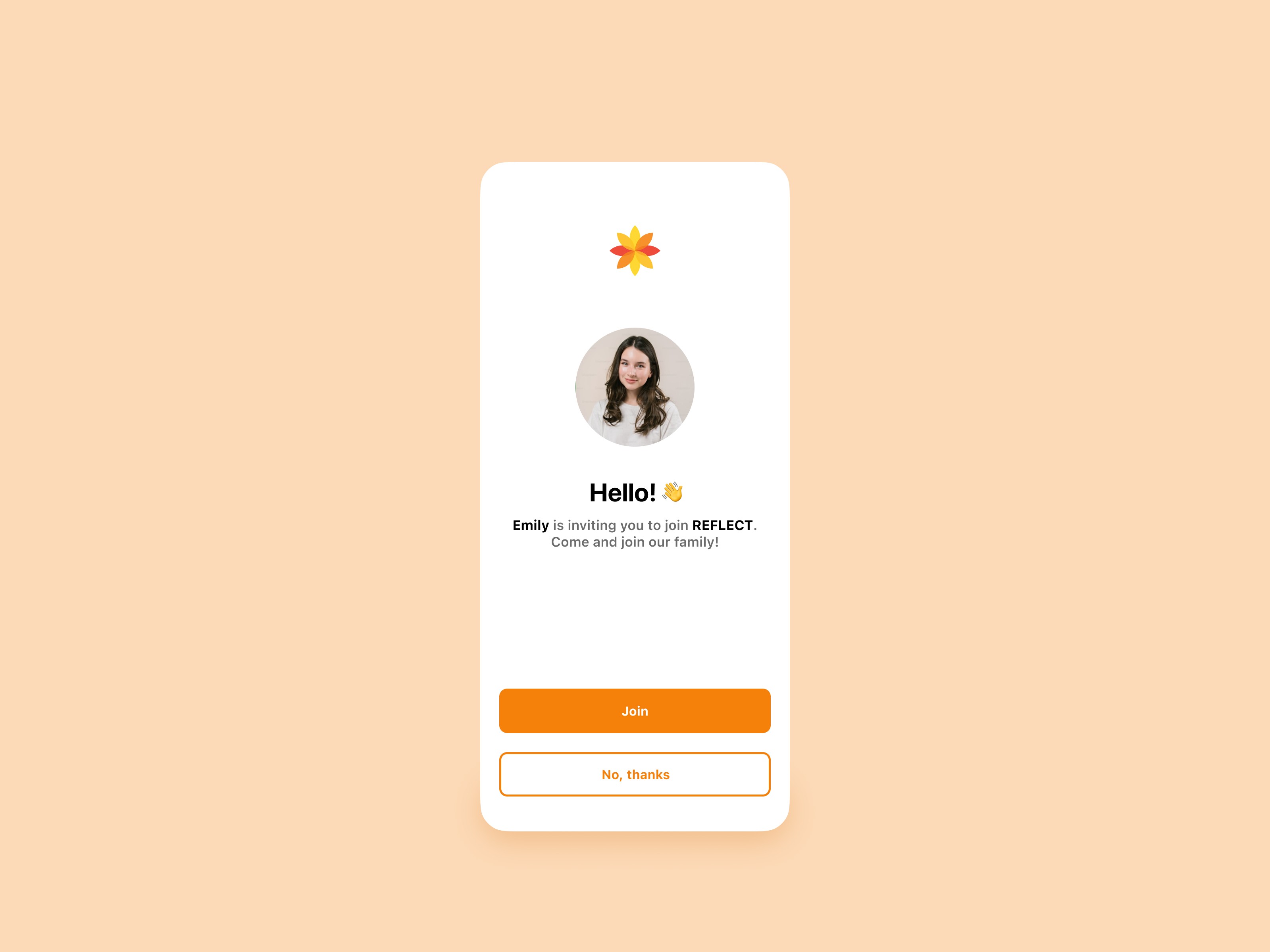
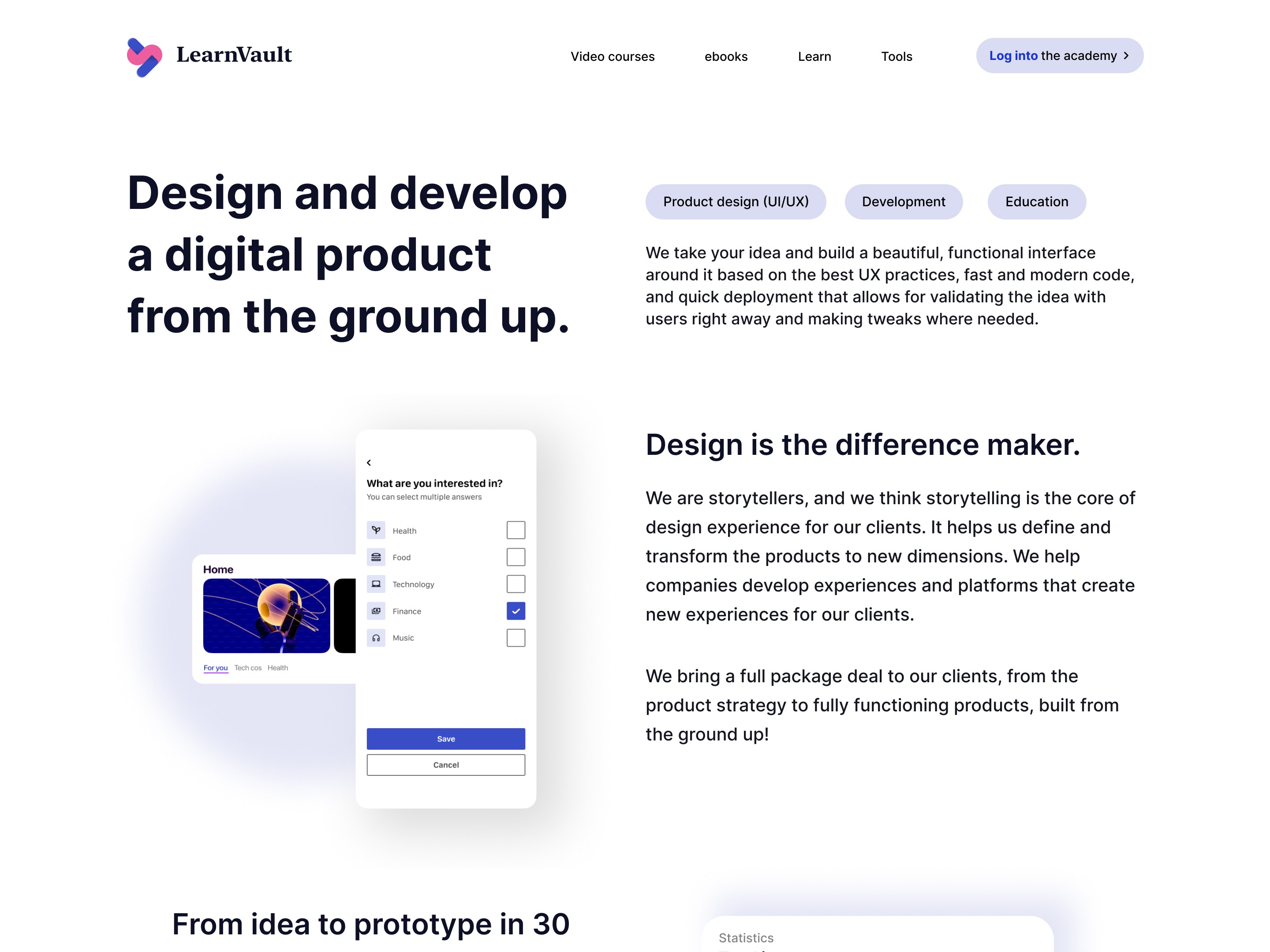
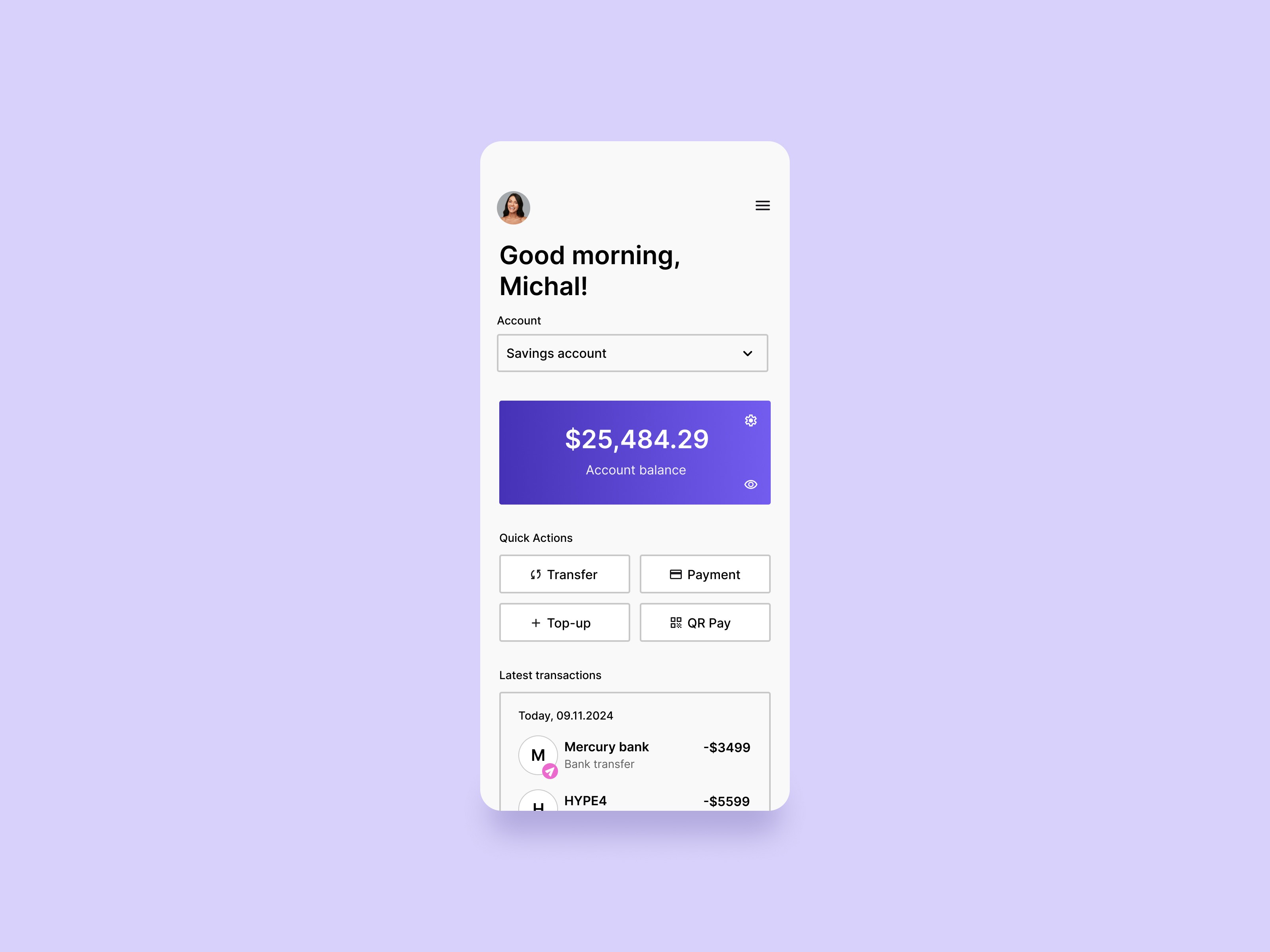
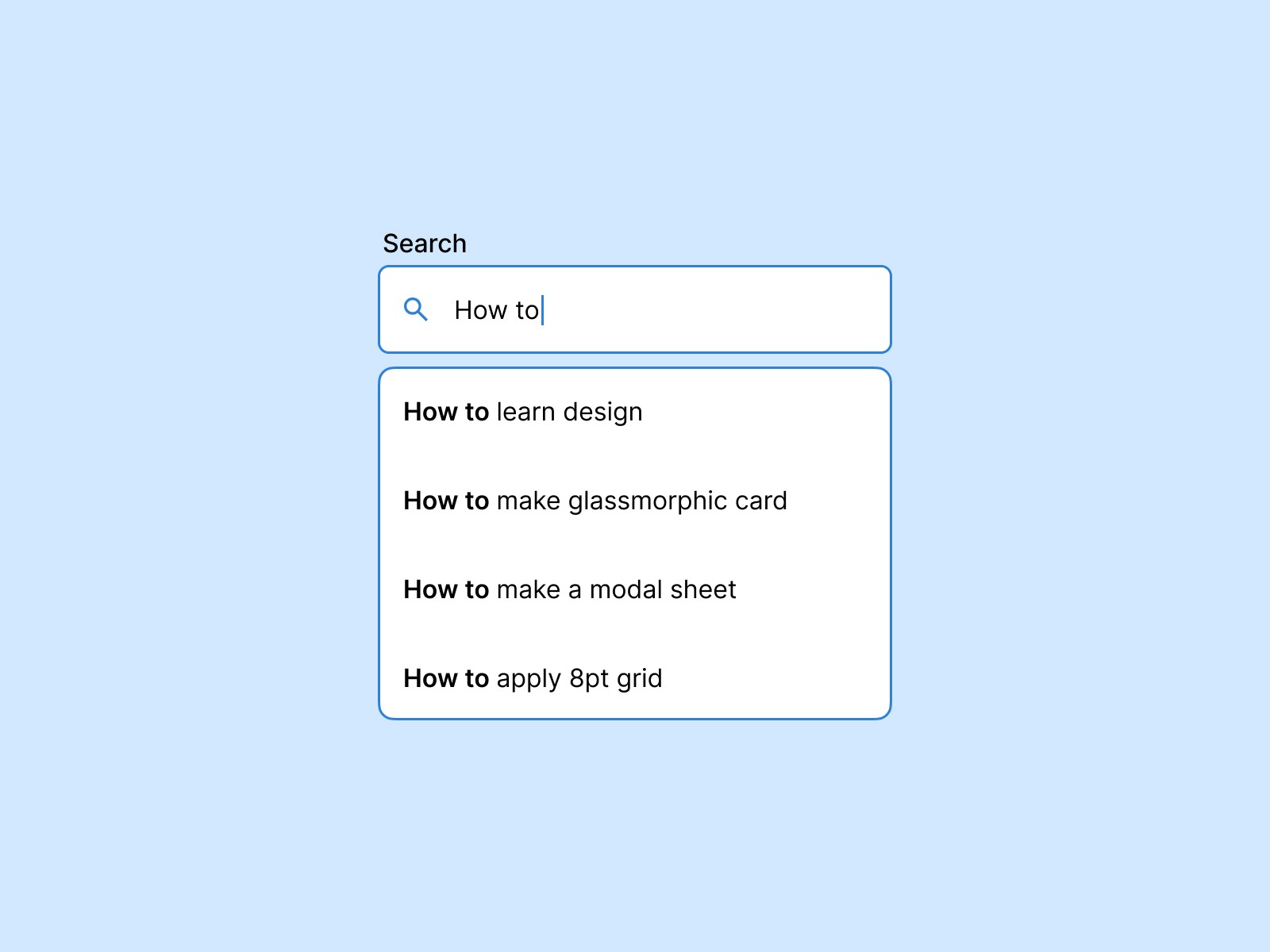
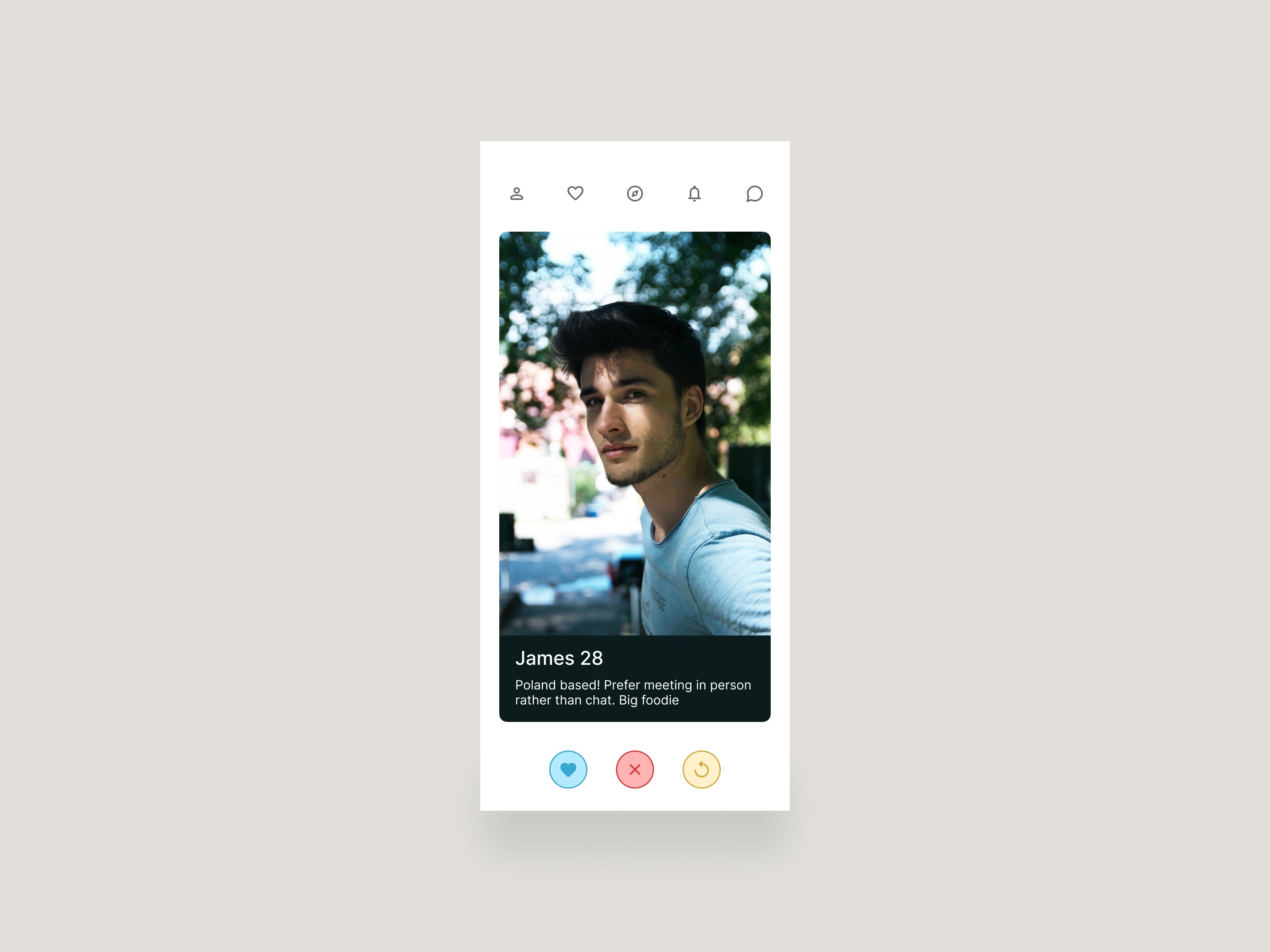
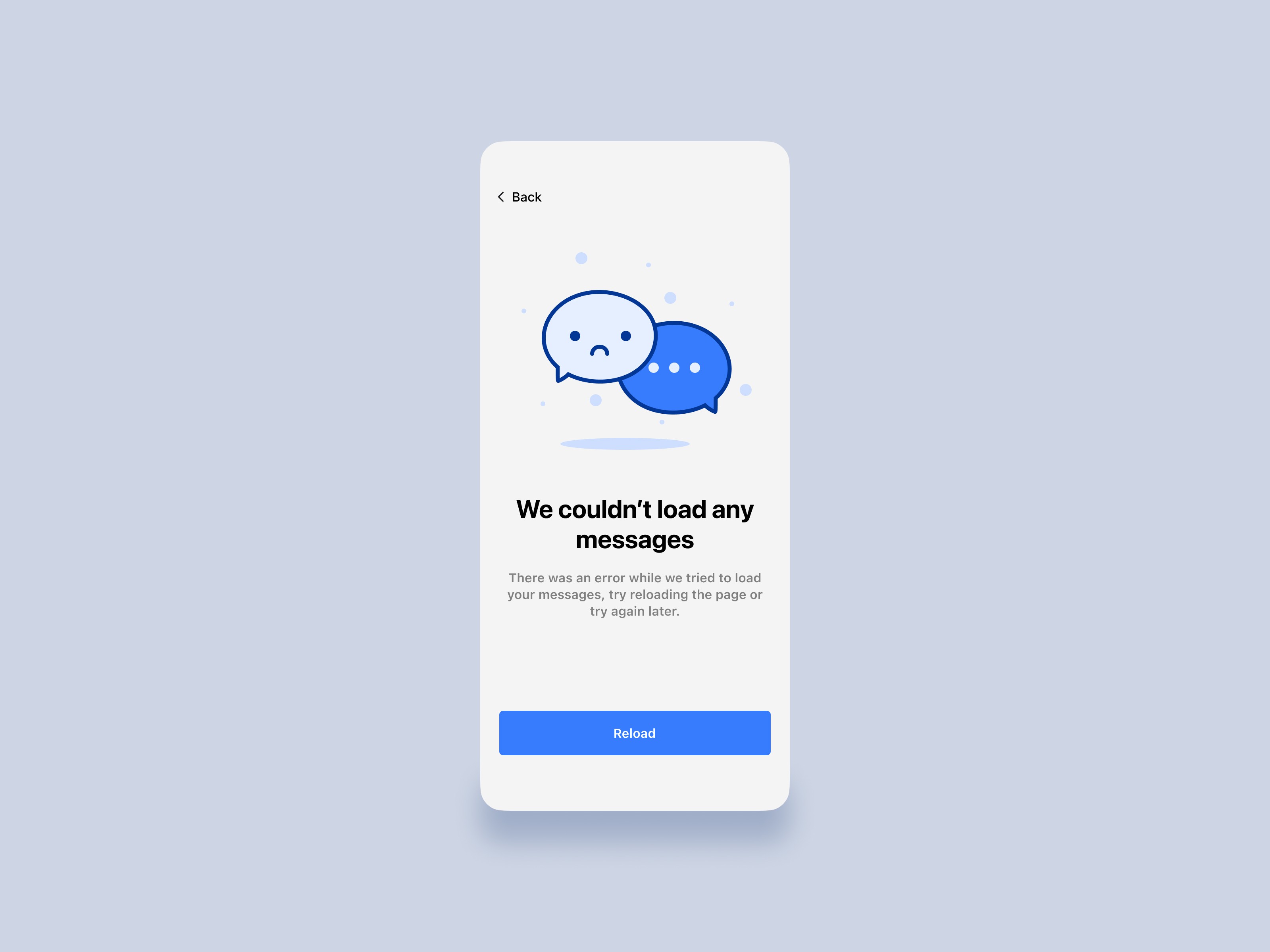
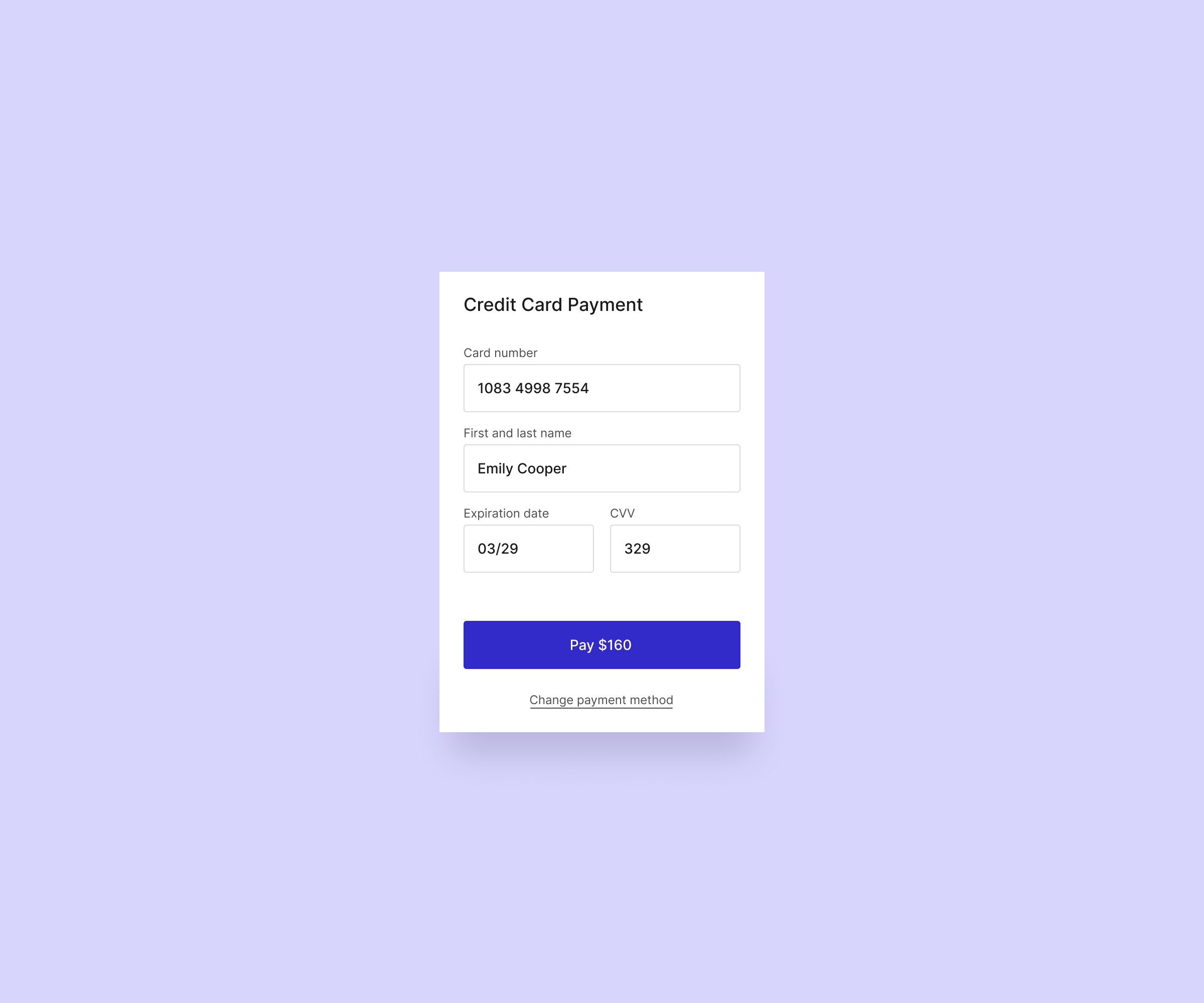
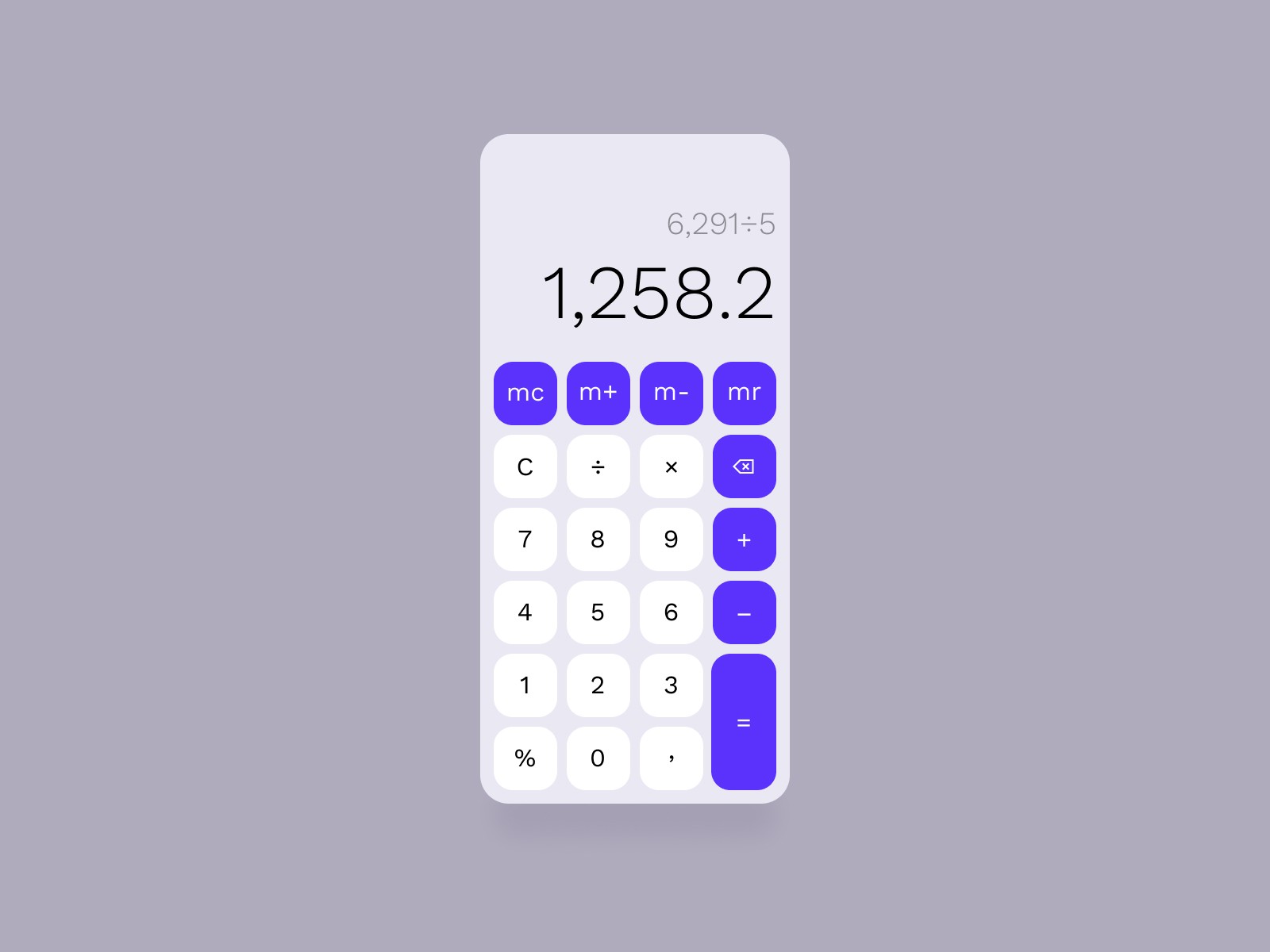
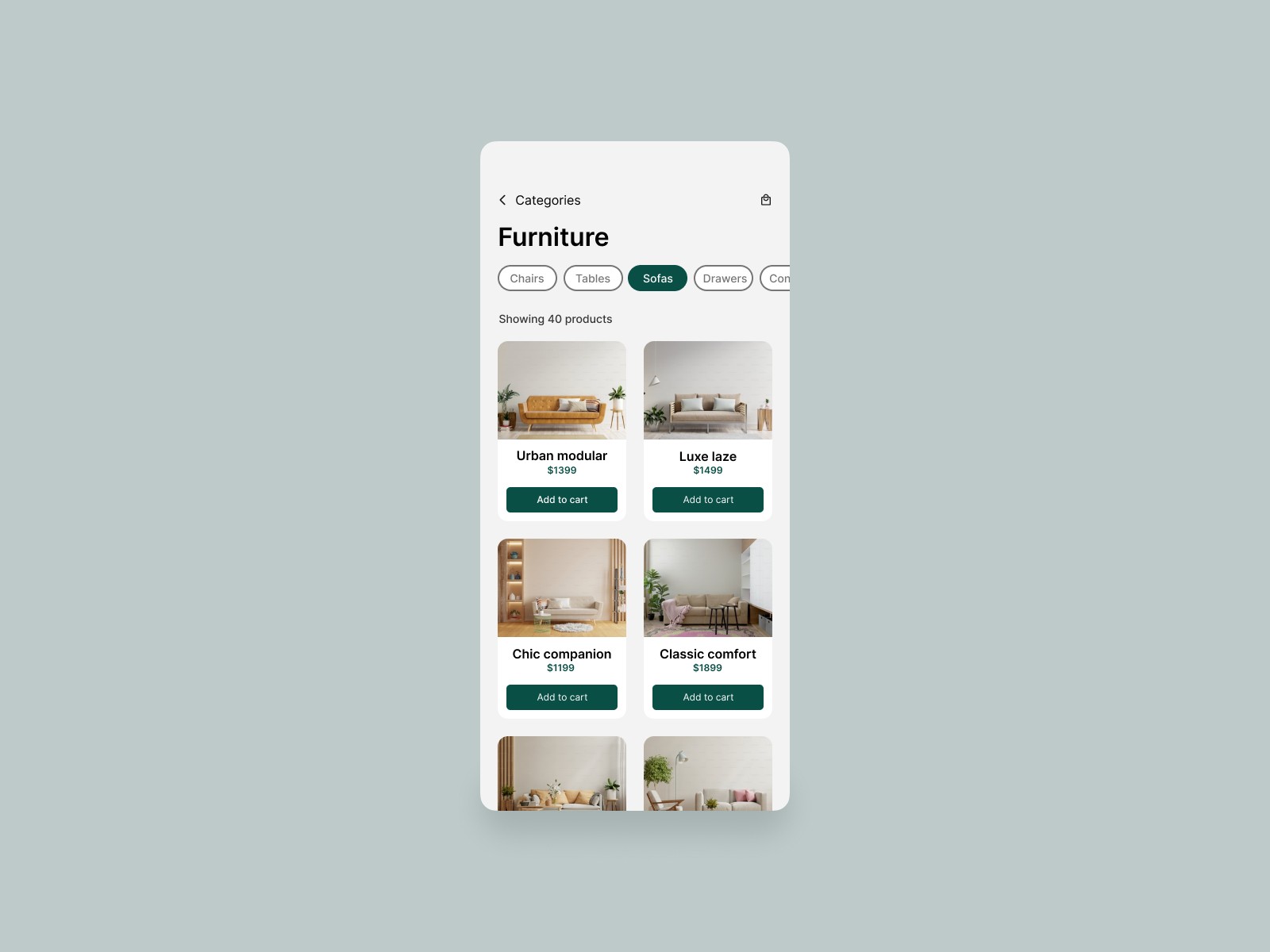
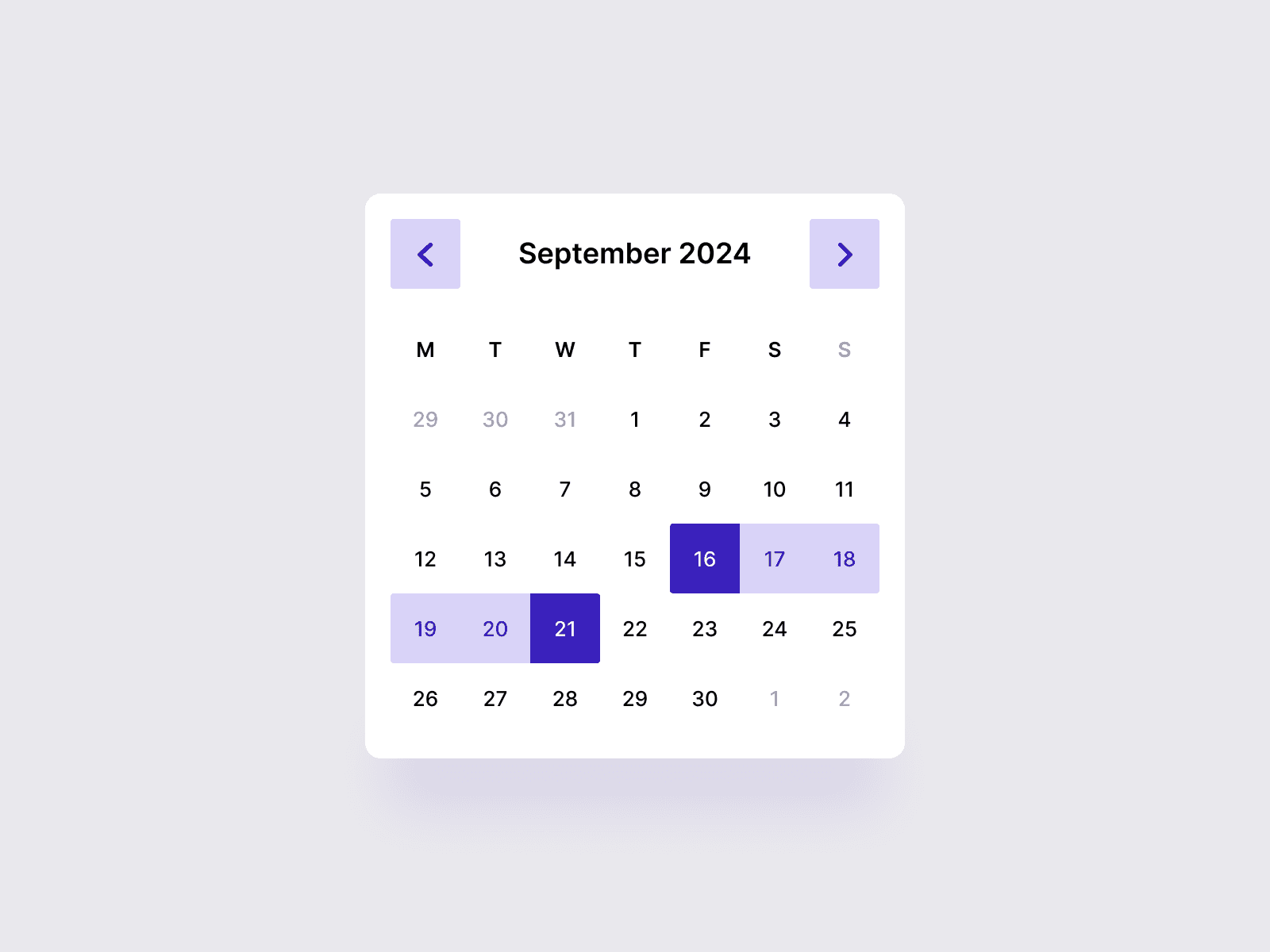
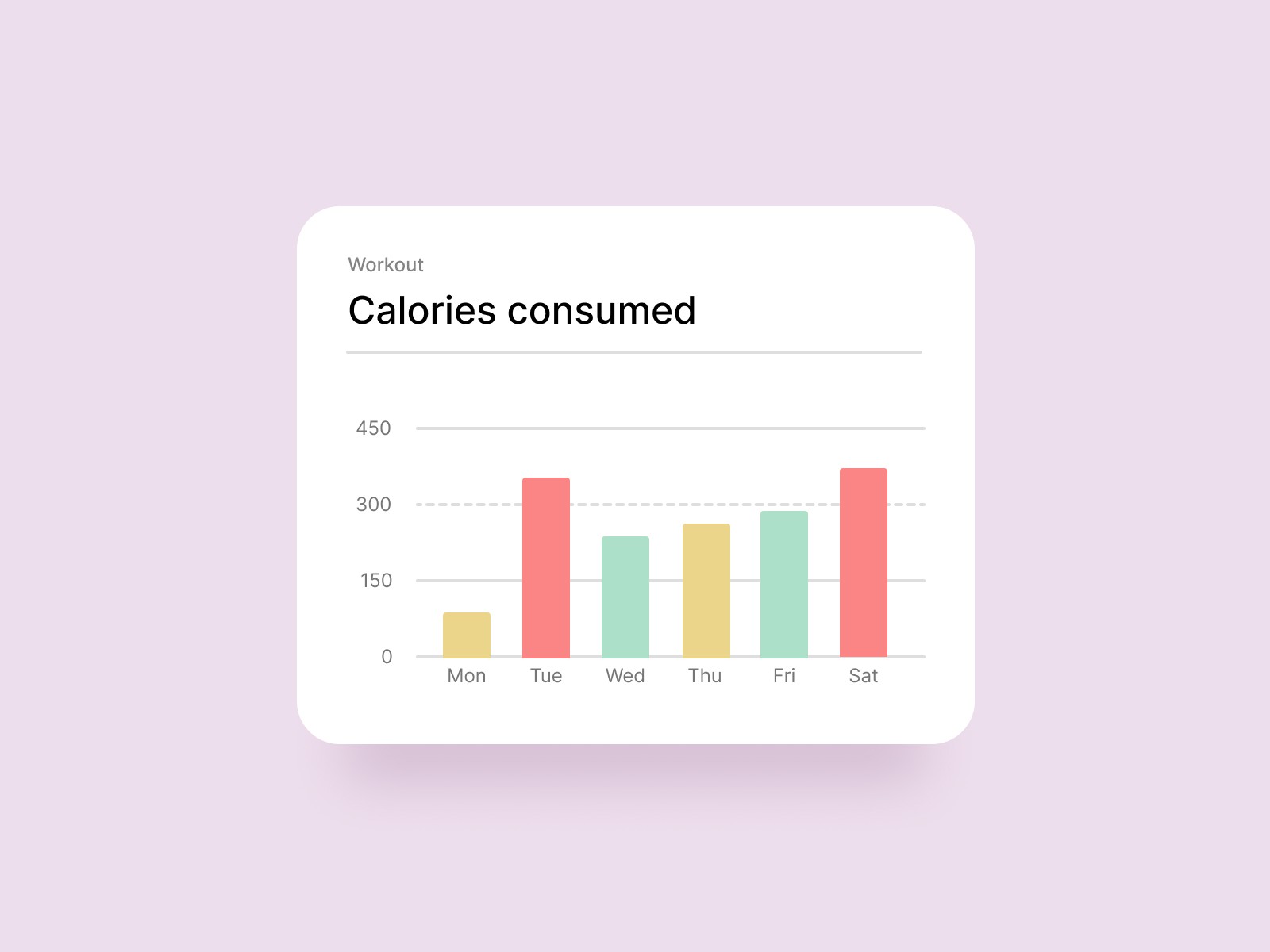
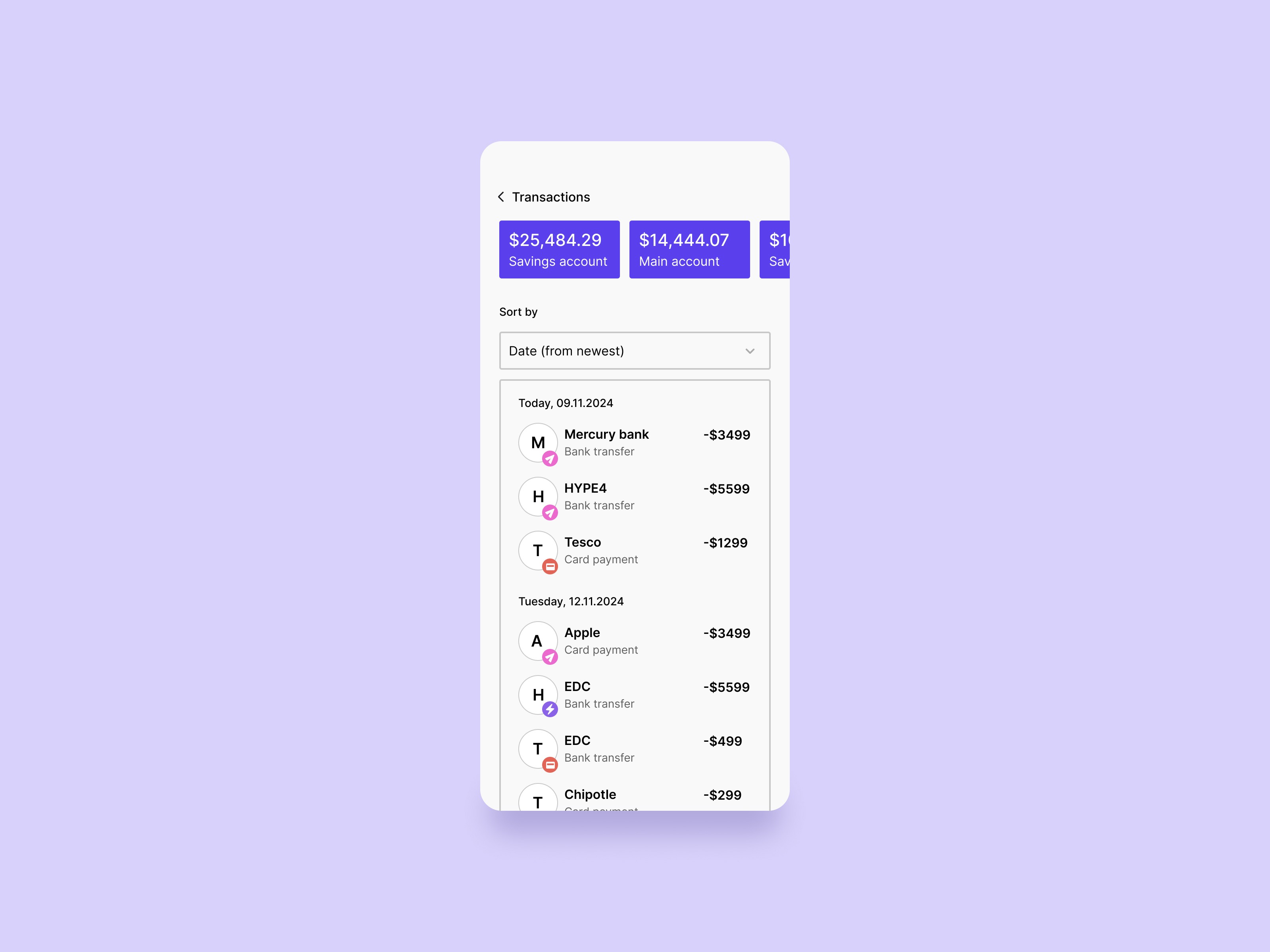

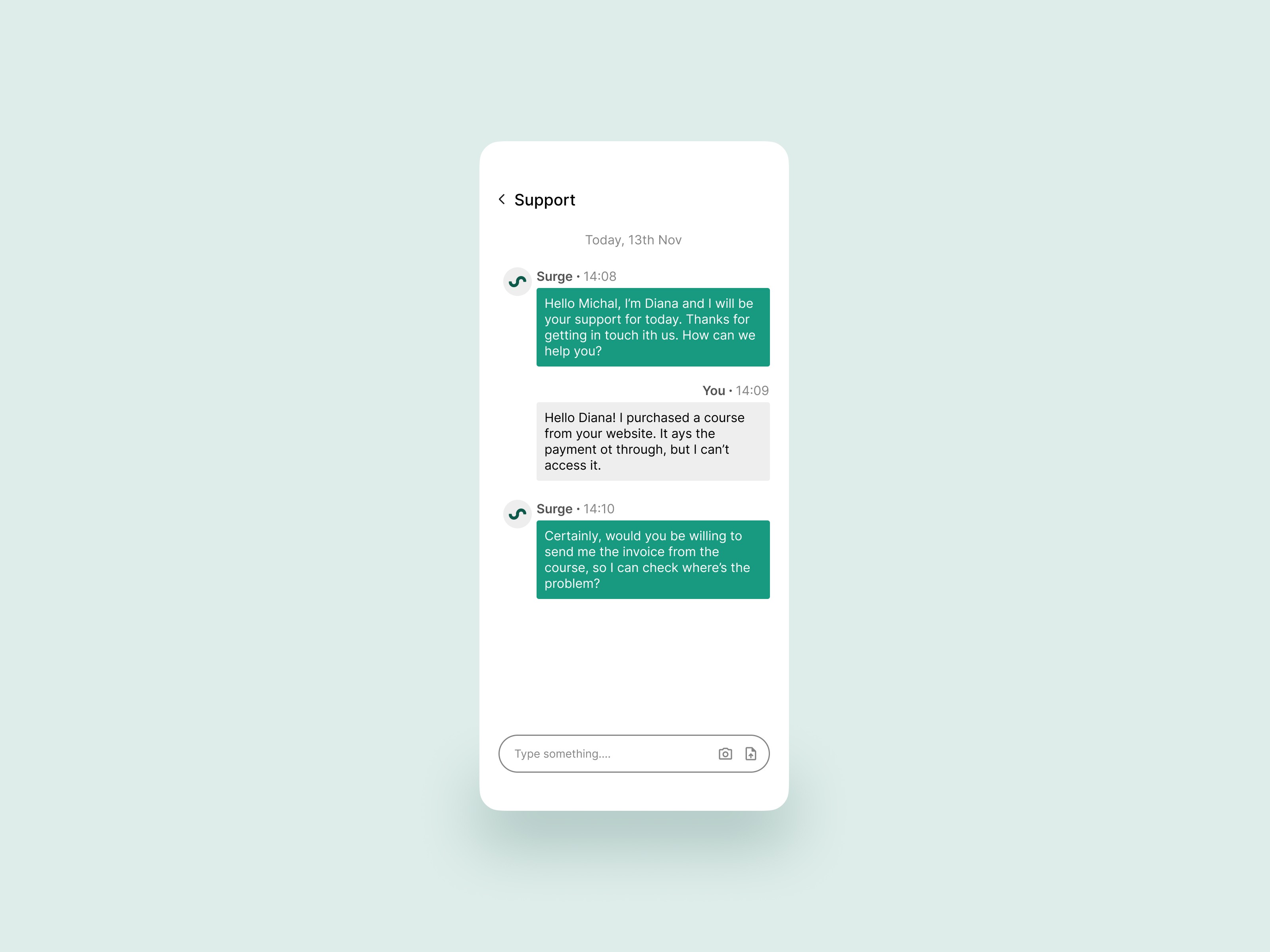
Want to see all 90 designs? Explore the full gallery here: 90-day UI challenge
Reflection
Biggest Challenges
Staying consistent over 90 days was no small feat! Some days, creativity felt natural, while on others, I had to dig deep to find inspiration. Another challenge was balancing speed with quality, as I strived to deliver polished designs while working within a daily deadline.
Biggest Learnings:
Speed: I significantly improved my ability to ideate and design rapidly without compromising on usability.
Diversity: Tackling a variety of prompts pushed me to explore new UI trends and design solutions.
Empathy: Designing for different industries taught me how to think critically about user needs and expectations.
How It Changed Me as a Designer
This challenge has transformed the way I approach design. I’m faster, more creative, and more confident in tackling new problems. It also reinforced the importance of iteration and feedback, as I often revisited my designs to refine them further.
Tools and methods
Tools used:
Design: Figma, Adobe XD.
Illustration: Procreate, Illustrator.
Skills Mastered:
Typography: Mastered the art of creating visually appealing and legible typographic hierarchies.
Color Theory: Developed a strong sense of color harmony, contrast, and accessibility in designs.
Visual Hierarchy: Ensured designs guide users’ attention effectively through layout and emphasis.
Layout Design: Gained expertise in creating balanced, grid-based, and responsive layouts for web and mobile.
Branding & Consistency: Learned to maintain consistent visual language across designs while adhering to brand guidelines.
Illustration: Explored creative use of vector illustrations and custom graphics to enhance UI storytelling.
Dark Mode Aesthetics: Designed elegant and accessible dark mode interfaces with proper contrast and readability.
Visual Trends: Experimented with contemporary visual trends like glassmorphism, neumorphism, and minimalism.
Attention to Detail: Focused on pixel-perfect alignment, spacing, and design precision for polished outputs.