EV Trip Planning App (Under NDA)
UX & Prototyping | AI Integration | EV Mobility | Early-Stage Product Design
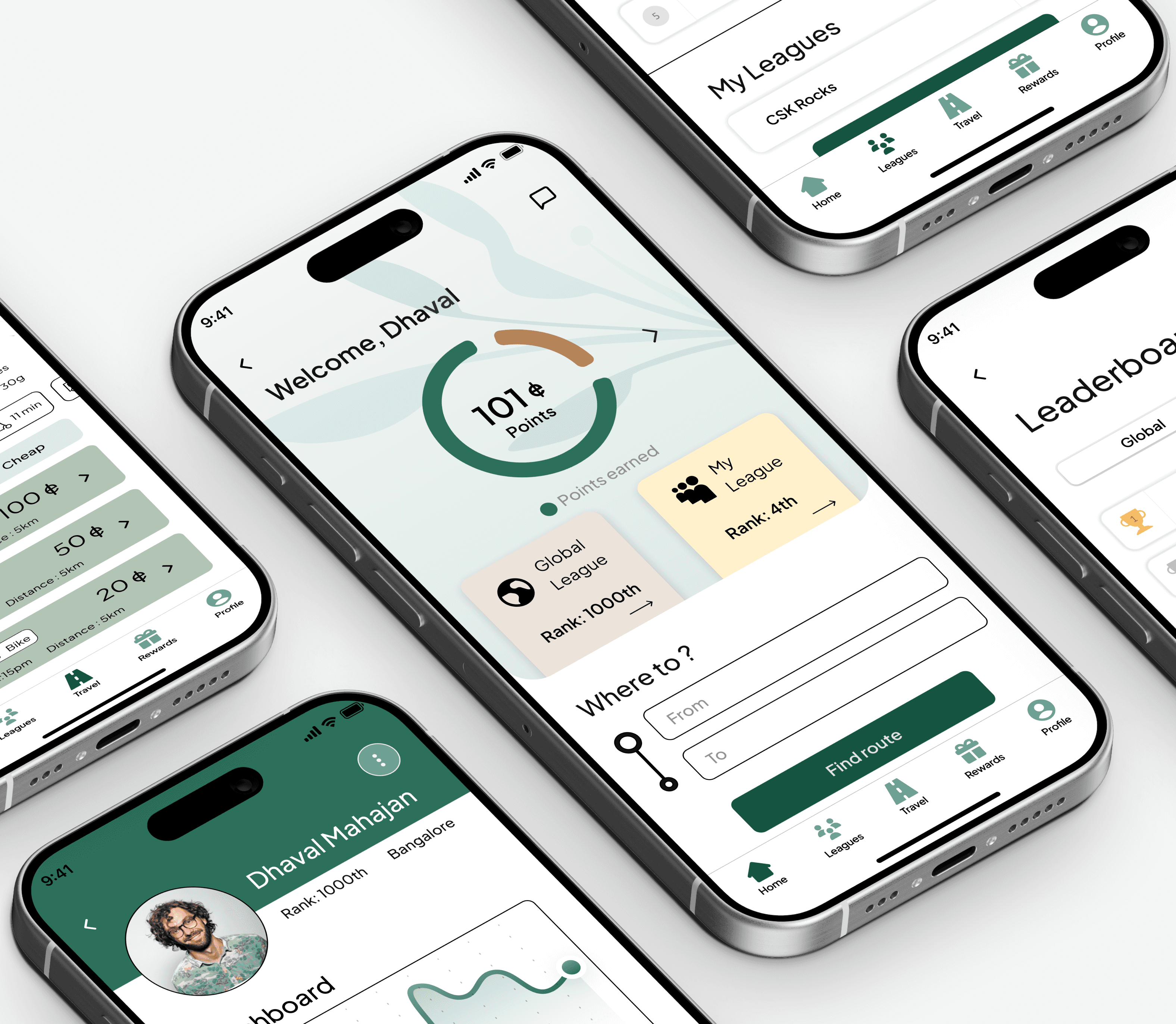
Designing an AI-powered EV trip planner that helps users navigate long-distance travel, find charging stations, and manage payments — all in one seamless, accessible app.
Team
1 CEO/ Product Owner, 1 UX Design Lead (Mentor), 1 UX Designer (Me-Intern), 1 Developer.
Timeline
Summer 2025
Platform
iOS (mobile)
Overview
During my internship, I worked on an AI-powered EV trip-planning app designed to help electric vehicle users plan smarter routes. The system considered things like current battery charge, preferred stop types (like restaurants or charging stations), and real-time charger availability to generate personalized routes.
As the UX design intern, I was responsible for designing key components of the app, including onboarding, wallet management, trip planning, and account settings. I also helped build the design system and pushed for accessibility improvements, including a color contrast update that was later implemented across the UI. It was a great opportunity to apply both design thinking and systems thinking to a real-world product.
Roles and Responsibilities
Building Core Flows & Systems
As a UX design intern, I helped craft core app experiences from onboarding to trip flows, while building systems and advocating for accessibility.

Designing Smart Onboarding
Created a multi-step onboarding flow that captured user preferences such as vehicle type, charging behavior, and route style. Took the flow from sketches → wireframes → interactive prototype. Prioritized speed and clarity to reduce drop-off during sign-up.

Wallet & Payments
Designed a wallet feature where users could manage saved cards, coupons, gift cards, and offers. I focused on grouping related actions, reducing cognitive load, and making call-to-actions highly scannable.

Trip Planning & Station Search
Prototyped the core user flow: planning a trip with filters (fast chargers, rest stops, open stations), seeing charging points along a route, and selecting preferences. I added subtle micro-interactions and animations to reinforce confirmation and progress states.

Account & Settings
Designed the entire account area, including profile management, trip history, reviews, and user reports. Focused on making data easy to access without overwhelming the user.

Accessibility & UI Advocacy
Noticed early designs had poor color contrast. I proposed a new high-contrast primary color, updated the UI components, and helped improve accessibility scores across the product. My recommendation was implemented by the team.

Design System
Assisted in building out core UI components like buttons, input fields, cards, and modals — using consistent auto layout, spacing, and naming conventions. This improved handoff and made the system easier to scale.
What I learned

Design Systems & Structure
I learned how to structure and scale a design system in Figma — using consistent naming, auto layout, and tokens. It made everything more organized and saved tons of time during iteration.

Micro-Interactions Matter
Working on trip planning flows taught me how small animations and feedback moments can make a huge difference in user trust and clarity.

Workflow Discipline
This internship helped me move faster without sacrificing quality — from component naming to wireframe flow logic. I now approach every new screen with system thinking from the start.
Outcome & Status
The app is currently in the development phase. I contributed final prototypes, dev-ready files, and design specs. The work I did continues to inform the next iteration of the app.
More Case Studies